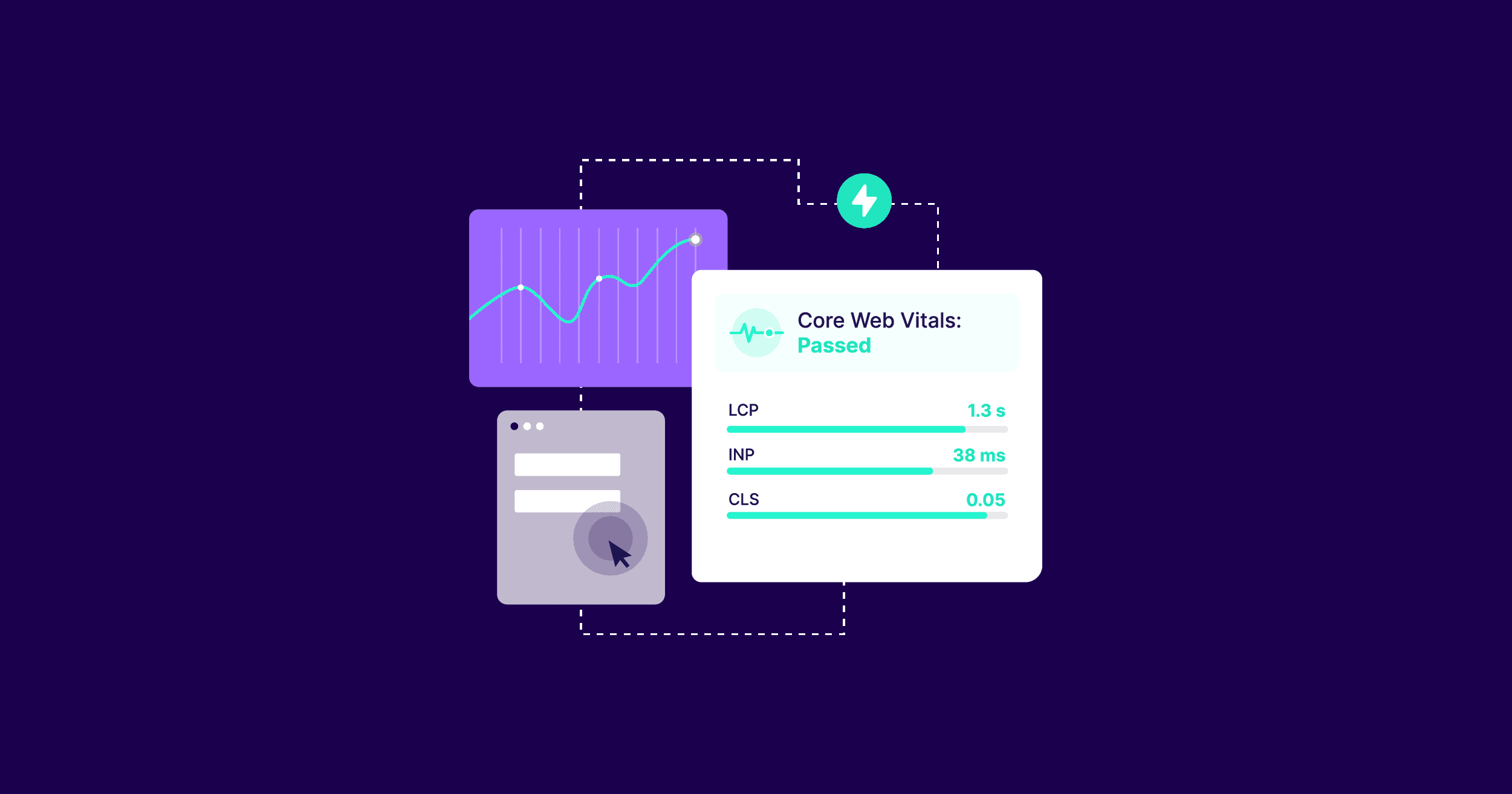
Most Next.js sites are close to fast. Close does not rank. In 2025, Core Web Vitals - LCP, INP, CLS, and friends like TTFB - still drive discoverability, conversion, and perceived quality. Hitting green consistently is not a bag of micro hacks. It is architecture, measurement, and discipline. This is a long-form, production-minded walkthrough for mid-level developers who want fewer flakey charts and more reliable outcomes.
We will focus on long-tail, intent-driven topics like improving LCP for image-heavy Above The Fold sections, reducing INP for interactive dashboards, limiting CLS when using dynamic content and fonts, and hardening TTFB with edge caching. Expect typed code, ASCII diagrams, and a field-data-first approach. For complementary SEO metadata guidance, read our checklist in Next.js SEO Best Practices. For deployment knobs that affect latency, see Deploy Next.js on a VPS.
Why Core Web Vitals Still Matter in 2025
Core Web Vitals reflect user experience and platform economics. Green vitals lower bounce, improve conversion, and give you rank stability during algorithm updates. If you build content or SaaS, small gains compound. A 100 ms better LCP often beats a week of copy tweaks. Performance also reduces infrastructure cost - fewer long tasks and smaller bundles mean less CPU per request.
Related reads if you are building AI features that can bloat payloads: streaming and server boundaries in Integrate OpenAI API in Next.js and ops levers in AI in DevOps Automation - What is next.
Architecture Overview - where performance is decided
Performance wins are decided at architecture time - not after Lighthouse audits. The shape of your rendering and caching plan sets your ceiling.
User
  │
  ▼
Edge CDN (static cache, image CDN, font hosting)
  │             ▲
  │             │ preconnect, preload, early hints
  ▼             │
Next.js Server (RSC, Route Handlers, Middleware)
  │
  ├── Static Rendering (ISR/SSG)  → HTML cached at edge
  ├── Server Components (RSC)     → minimal client JS
  └── API Routes / Actions        → data fetching near compute
  │
  ▼
Client (minimal hydration, progressive enhancement)
Design rules that keep you out of trouble:
- Render as much as possible ahead of time with ISR or SSG, then revalidate on a schedule that matches your content freshness.
- Prefer Server Components for heavy logic. Ship minimal client JS to shrink INP and memory.
- Put images and fonts on fast CDNs. Preload the one LCP image and critical font subset.
- Cache at the edge. Avoid waterfall fetching in Route Handlers. Use parallel data loads.
For SEO posture and discoverability details, pair this with Next.js SEO Best Practices.
Keyword-focused guide - long-tail sections that convert
We will aim at specific tasks and phrases that reflect how practitioners search in 2025:
- Improve LCP in Next.js App Router for hero images and background media
- Fix CLS in Next.js by stabilizing layout and font loading
- Reduce INP in Next.js with smaller bundles, fewer listeners, and server components
- Lower TTFB for Next.js with edge caching and precomputation
- Measure field data for Core Web Vitals with RUM in Next.js
- Optimize Next.js images and fonts for Core Web Vitals
- Configure Next.js caching headers for HTML, data, and assets
- Debug long tasks and hydration in Next.js with the Performance panel
Each section gives code-first steps, tradeoffs, and quick wins.
Improve LCP in Next.js App Router - hero images that do not block
Largest Contentful Paint is usually a hero image or headline. The playbook is consistent.
- Render the hero server-side. Avoid client-side fetch for Above The Fold.
- Preload the LCP image with explicit dimensions. Use next/image with the proper priority.
- Inline critical CSS for the hero container to avoid render delay.
- Eliminate background video for mobile or lazy load it below the fold.
// app/(marketing)/page.tsx
import Image from "next/image";

export const metadata = {
  // Helps the browser schedule the fetch early
  other: {
    link: [
      { rel: "preload", as: "image", href: "/hero.webp", imagesrcset: "/hero.webp 1x" },
    ],
  },
};

const HERO_WIDTH = 1600;
const HERO_HEIGHT = 900;

const HomePage = () => {
  return (
    <main>
      <section className="hero">
        <h1 className="sr-only">Build faster with a modern Next.js stack</h1>
        <Image
          src="/hero.webp"
          alt="Product screenshot"
          width={HERO_WIDTH}
          height={HERO_HEIGHT}
          priority
          sizes="(max-width: 768px) 100vw, 80vw"
          style={{ width: "100%", height: "auto" }}
        />
      </section>
    </main>
  );
};

export default HomePage;
Tips:
- Use
priorityfor exactly one image that is the LCP candidate. More than one priority image can hurt. - Provide width and height to prevent layout shifts.
- Avoid client side carousels in the hero. Render one frame. Hydrate extras later.
Fix CLS in Next.js - layout stability and font loading
CLS comes from size-unknown content and fonts. Stabilize the layout with dimensions and use font loading strategies that keep fallback metrics close.
// app/layout.tsx
import type { Metadata } from "next";
import { Inter } from "next/font/google";

// Use subsets and display swap to avoid invisible text
const inter = Inter({ subsets: ["latin"], display: "swap", adjustFontFallback: true });

export const metadata: Metadata = {
  other: {
    link: [
      // Preconnect to font CDN and your image domain
      { rel: "preconnect", href: "https://fonts.gstatic.com", crossOrigin: "anonymous" },
      { rel: "preconnect", href: "https://cdn.yoursite.com", crossOrigin: "anonymous" },
    ],
  },
};

const RootLayout = ({ children }: { children: React.ReactNode }) => (
  <html lang="en" className={inter.className}>
    <body>{children}</body>
  </html>
);

export default RootLayout;
Rules that keep CLS down:
- Always specify
widthandheighton images and placeholders. - Avoid injecting banners before content. Use reserved space or portals.
- Keep dynamic components like ads in containers with fixed aspect ratios.
- Use
display: swaporoptionalfor fonts and pick fallbacks with similar metrics.
If you serve ads, isolate them and reserve space. Our approach to ad containers and lazy loading is shown across components in this repo, and the pattern pairs well with the guidance in Next.js SEO Best Practices.
Reduce INP in Next.js - smaller bundles and cheaper interactions
INP reflects the slowest interaction. The biggest wins reduce the amount of JavaScript that runs on the client.
- Push logic to Server Components. They are not hydrated on the client.
- Split code aggressively with dynamic import and
suspense. - Use
useTransitionfor expensive state changes, and memoize event handlers. - Remove unused listeners and libraries. Replace heavy UI kits with headless components.
// components/SearchClient.tsx
"use client";
import { useCallback, useMemo, useState, useTransition } from "react";

type Result = { id: string; title: string };

export const SearchClient = ({ initial }: { initial: Result[] }) => {
  const [query, setQuery] = useState("");
  const [pending, startTransition] = useTransition();
  const [results, setResults] = useState<Result[]>(initial);

  const onChange = useCallback((e: React.ChangeEvent<HTMLInputElement>) => {
    const value = e.target.value;
    setQuery(value);
    startTransition(async () => {
      const res = await fetch(`/api/search?q=${encodeURIComponent(value)}`);
      const json = (await res.json()) as Result[];
      setResults(json);
    });
  }, []);

  const count = useMemo(() => results.length, [results]);

  return (
    <div>
      <input className="border px-2 py-1" value={query} onChange={onChange} aria-label="Search" />
      {pending ? <p>Loading…</p> : <p>{count} results</p>}
    </div>
  );
};
Also consider removing client interactivity where not needed. A static table is faster than a virtualized one if the data is small.
Lower TTFB for Next.js - edge caching and precomputation
First Byte depends on how much work the server does per request and how close that work is to the user.
- Cache HTML with ISR and serve from edge regions. Pick revalidate windows that match content volatility.
- Use Route Handlers with caching hints when the response is cacheable.
- Precompute common queries and store them in KV or a database table.
// app/api/products/route.ts
import { NextRequest } from "next/server";

export const runtime = "edge"; // move compute closer when possible

export const GET = async (_req: NextRequest) => {
  // This should be backed by a cache in production
  const data = await fetch("https://api.example.com/products", { cache: "force-cache" });
  const json = await data.json();
  return new Response(JSON.stringify(json), {
    headers: { "Content-Type": "application/json", "Cache-Control": "public, max-age=300, s-maxage=300, stale-while-revalidate=60" },
  });
};
For teams that self host, network placement and proxies matter. See Deploy Next.js on a VPS for reverse proxy and Node tuning that affect TTFB.
Optimize Next.js images and fonts - modern defaults plus strictness
Images and fonts dominate bytes. Default to next/image and Google Fonts with subsets, then add strict rules.
// components/SmartImage.tsx
import Image, { ImageProps } from "next/image";

export const SmartImage = (props: ImageProps) => {
  return <Image loading={props.priority ? undefined : "lazy"} decoding="async" {...props} />;
};
Checklist:
- Use AVIF or WebP for photographic images. Keep PNG for graphics with sharp edges.
- Cap hero dimensions. Supply
sizesfor responsive images. - Preload the one LCP image. Lazy load anything below the fold.
- For fonts, subset to needed ranges, set
display: swap, and self host if you need strict control.
Configure caching headers - HTML, data, and static assets
Good cache headers make your site feel instant on repeat visits and during nav.
// middleware.ts
import { NextResponse } from "next/server";
import type { NextRequest } from "next/server";

export const config = { matcher: ["/((?!api|_next/static|_next/image|favicon.ico).*)"] };

export const middleware = (req: NextRequest) => {
  const res = NextResponse.next();
  res.headers.set("Cache-Control", "public, max-age=0, s-maxage=600, stale-while-revalidate=300");
  return res;
};
Tighten these in your Route Handlers for JSON and per asset type from your CDN.
Measure field data - a RUM plan for Next.js Core Web Vitals
Lab scores are useful but you ship for users. Add a small RUM script and track vitals in your analytics or a simple endpoint.
// app/components/WebVitals.tsx
"use client";
import { useEffect } from "react";

type Metric = { name: string; value: number; id: string };

const send = async (metric: Metric) => {
  try {
    await fetch("/api/vitals", {
      method: "POST",
      headers: { "Content-Type": "application/json" },
      keepalive: true,
      body: JSON.stringify(metric),
    });
  } catch {}
};

export const WebVitals = () => {
  useEffect(() => {
    import("web-vitals").then(({ onLCP, onINP, onCLS, onTTFB }) => {
      onLCP((m) => send({ name: m.name, value: m.value, id: m.id }));
      onINP((m) => send({ name: m.name, value: m.value, id: m.id }));
      onCLS((m) => send({ name: m.name, value: m.value, id: m.id }));
      onTTFB((m) => send({ name: m.name, value: m.value, id: m.id }));
    });
  }, []);
  return null;
};
On the server, accept metrics and store them for dashboards or alerts. Consider summarizing daily with an automated brief. If you like AI assisted summaries of change, our approach in AI summarized dashboards shows how to compress many signals into an actionable narrative.
// app/api/vitals/route.ts
import { NextRequest, NextResponse } from "next/server";

type Metric = { name: string; value: number; id: string };

export const POST = async (req: NextRequest) => {
  const metric = (await req.json()) as Metric;
  // push to analytics or log store
  console.log(metric);
  return NextResponse.json({ ok: true });
};
Debug hydration and long tasks - practical workflow
Hydration cost is the usual suspect behind poor INP and LCP. A simple routine catches most issues:
- Run in Chrome Performance panel. Filter for Long Tasks and Layout Shift.
- Look for large script execution during initial render. Map it to bundles.
- In Next.js, use
next buildJSON stats to find heavy modules. Replace or split. - In React DevTools, profile interactions that feel sticky and reduce state blast radius.
ASCII guide for a common anti-pattern:
Page
  ├─ Hero (server rendered, no hydration)
  ├─ PricingTable (server rendered, no hydration)
  └─ ChatWidget (client, renders immediately, fetches on mount)  ← long task

Fix
  └─ ChatWidget (client, dynamically imported, loads after idle, fetch on first interaction)
Long-tail improvements that move the needle
These are small but repeatable improvements I have shipped that add up:
- Replace IntersectionObserver heavy components with CSS
content-visibilitywhere appropriate. - Defer non critical third party scripts and run them in a web worker when possible.
- Use
prefetchon anchor tags for critical nav targets in the viewport. - Collapse React context providers. Wide providers cause many components to re-render.
- Memoize expensive derived values with
useMemoand keep dependency arrays honest. - Remove revalidate calls in hot paths. Move to background jobs where possible.
Field notes from production - mistakes and fixes
What went wrong and how we fixed it:
- We shipped a hero carousel that rehydrated five slides. LCP regressed by 400 ms. Fix - render one slide server-side and hydrate the carousel only when users interact with navigation.
- A font swap caused subtle CLS on product pages. Fix - set
font-display: optionalfor the secondary font and pick closer fallback metrics. - Client side search executed on every keypress with a heavy filter. Fix - use
useTransitionand debounce to 150 ms. INP improved for low end devices. - API endpoints were uncached and had cold starts. Fix - set
runtime = edgeand adds-maxagewith background revalidate.
Putting it together - a simple performance contract
Agree on a short contract per page type:
- Marketing page - SSG with ISR every 15 minutes, one priority image, zero client JavaScript Above The Fold, LCP under 1500 ms on 4G.
- Product listing - server render with cache, defer sort controls to client with
useTransition, INP under 200 ms P75. - Dashboard - server components for data tables, client widgets are lazy, TTFB under 200 ms from the closest edge.
Add this contract to your PR template. Review changes against it. For a wider checklist that includes metadata and OG images, keep Next.js SEO Best Practices handy.
Supporting visuals - what to include
Add a flame chart screenshot for a slow page, a WebPageTest filmstrip for LCP before and after, and a CLS overlay from Chrome DevTools. Pair each with a one-line takeaway. Visuals help drive cultural change. They also help non engineers accept the tradeoffs, like why we removed an autoplay video on mobile.
Conclusion
Performance is a culture. The stack gives you tools - Server Components, ISR, Edge runtime, next/image - but results come from a consistent plan. Start with architecture that favors precomputation and minimal client JavaScript. Measure real users with a tiny RUM client. Fix the biggest offender per page type, then iterate. In a quarter, you will have green vitals and more resilient rankings.
Where to go next:
- SEO metadata and CTR improvements - Next.js SEO Best Practices
- End to end deployment and tuning - Deploy Next.js on a VPS
- Streaming patterns and server boundaries - Integrate OpenAI API in Next.js
- Summarize performance data for stakeholders - AI summarized dashboards