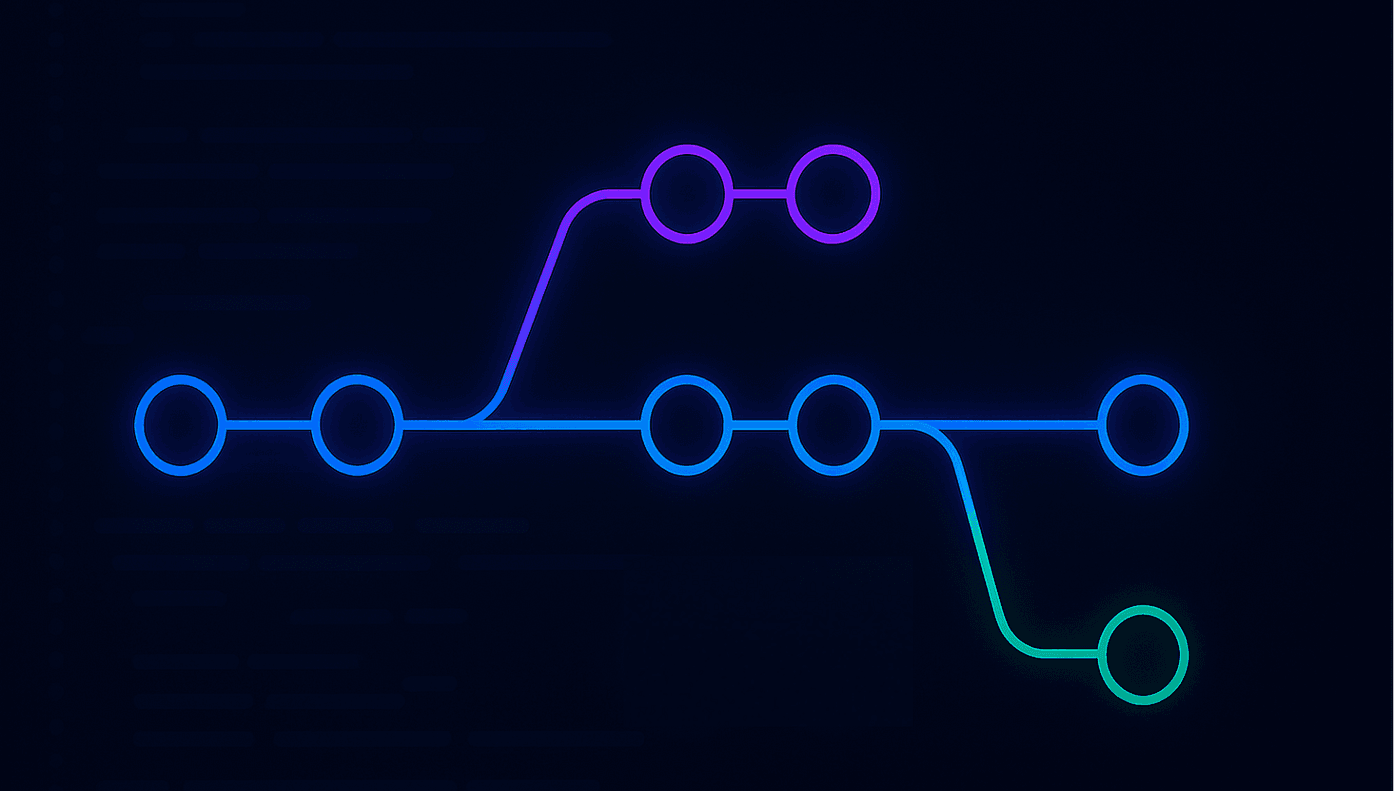
Branches are how teams negotiate change. Every feature, bug fix, hotfix, and refactor flows through some kind of branching model, whether you have written it down or not. When that model is unclear, you get long lived branches, painful merges, confusing histories, and a constant fear that every deploy might break something important.
This guide walks through Git Flow and modern branching strategies from a backend and full stack engineer’s perspective. We will keep the focus on how people actually ship software in 2025, not just what diagrams show. Expect ASCII diagrams, git commands, and advice tuned for teams using trunk based development, feature flags, and continuous delivery.
For best results, pair this with Conventional Commits in Git so your commit messages are as structured as your branches, and Clean Architecture in full stack projects so changes stay localized instead of leaking across the repo.
Why branching strategy matters more than it looks
On paper, branches look simple - they are just pointers to commits. In reality, your branching model encodes:
- How fast you can safely deploy.
- How often work conflicts and needs painful rebases.
- Where bug fixes land and how long they take to reach production.
- How easy it is to reason about what is running where.
Good branching strategies align with:
- Release cadence: weekly, daily, multiple times per day.
- Team size: solo dev, small squad, large org.
- Deployment model: monolith vs microservices, on premise vs cloud, feature flags vs big bang releases.
There is no one perfect model, but there are patterns that age better than others. Git Flow was designed in a world of slower releases and heavy manual QA. Trunk based development evolved for continuous delivery. Most modern teams end up in a hybrid that borrows ideas from both.
Quick overview of the major models
Before diving deep, here is the short list:
- Git Flow: long lived
developbranch plusfeature,release, andhotfixbranches. - GitHub Flow: short lived feature branches from
main, small pull requests, continuous deploys. - Trunk based development: tiny branches off
mainor direct commits, feature flags for incomplete work, frequent integration. - Environment specific branches:
dev,staging,prodor similar, often used in legacy systems.
We will focus on Git Flow and trunk based variants, because they are the patterns you are most likely to inherit or migrate to.
Classic Git Flow: what it is and when it still works
Git Flow became popular from Vincent Driessen’s blog post, and many teams adopted it as their first branching strategy. The core idea is to separate ongoing development from production ready code with a develop branch and to use dedicated branches for releases and hotfixes.
Git Flow diagram
                 feature/login
                 feature/billing-page

                 (feature branches)
                     ▲        ▲
                     │        │
                     └───┐ ┌──┘
                         ▼ ▼
                ┌────────────────┐
                │   develop      │  ← integration of upcoming work
                └────────▲───────┘
                         │
                (release branch)
                         │
                ┌────────▼───────┐
                │  release/x.y   │
                └────────▲───────┘
                         │
                (hotfix branch)
                         │
        ┌────────────────▼────────────┐
        │            main             │  ← what is in production
        └─────────────────────────────┘
Typical rules:
mainalways reflects production.developholds integrated work for the next release.feature/*branches branch offdevelop, merge back via pull requests.release/*branches cut fromdevelopwhen stabilizing for a release.hotfix/*branches cut frommainto quickly patch production, then merged into bothmainanddevelop.
Pros of Git Flow
- Compatible with slower, manual release cycles (e.g., quarterly releases).
- Clear separation between ongoing work and production code.
- Hotfix path is explicit; you always know where urgent fixes go.
Cons of Git Flow in modern pipelines
In 2025, many teams deploy multiple times a day. In that world, Git Flow can become heavy:
- Long lived
developbranches drift frommain, increasing merge pain. - Release branches add more places to merge and backport fixes.
- Developers spend more time in Git conflicts than on features.
For small and medium teams practicing continuous delivery, Git Flow is often more process than you need.
Trunk based development: the modern default
Trunk based development assumes a single mainline branch (often main), very short lived branches, and frequent integration. The trunk is always releasable, and incomplete work is hidden behind feature flags instead of long lived branches.
Trunk based diagram
             feature/login-A   feature/login-B
                 ▲       ▲      ▲        ▲
                 │       │      │        │
                 └───┐ ┌─┘      └───┐  ┌─┘
                     ▼ ▼            ▼ ▼
          ┌──────────────────────────────────┐
          │               main               │  ← trunk, always releasable
          └──────────────────────────────────┘
Characteristics:
- Branches live for hours or a couple of days, not weeks.
- Work is broken into small, independently shippable pieces.
- Feature flags hide incomplete features from users.
- CI runs on every commit to
mainand usually every PR.
Pros of trunk based development
- Less merge pain because branches diverge for shorter periods.
- Simpler mental model: what is on
mainis what is headed to production. - Fits naturally with continuous delivery and automated testing.
Cons and challenges
- Requires disciplined refactoring and small slices of work.
- Incomplete or risky work must be guarded with flags or conditional paths.
- Teams without good test coverage can struggle because regressions ship faster.
If you are already investing in CI, observability, and automated tests, trunk based development usually pays off quickly.
Comparing Git Flow and trunk based development
Here is a high level comparison table:
Dimension             Git Flow                        Trunk Based
────────────────────────────────────────────────────────────────────────
Main branch           main + develop                  main only
Release cadence       slow to medium                  fast, continuous
Branch lifetime       weeks for features              hours to days
Hotfix handling       hotfix/* from main              small PRs to main
Config needed         more process and rules          more CI and flags
Best fit              regulated, slower releases      SaaS, web apps, APIs
If your team is running a SaaS product with frequent deployments, trunk based development or a GitHub Flow style process is usually a better default. If you are in a regulated environment with heavy manual QA and strict change windows, a light version of Git Flow might still make sense.
A lightweight, modern Git Flow hybrid
Many teams adopt a hybrid model that keeps some of Git Flow’s clarity without the overhead. Common hybrid:
- Single long lived branch:
main. - Short lived feature branches:
feature/*ortopic/*. - Occasional
release/*branches if you need to stabilize for a big launch. - No
developbranch;mainis always the integration branch.
Diagram:
feature/search          feature/auth-2FA
    ▲                          ▲
    │                          │
    └──────────┐       ┌───────┘
               ▼       ▼
        ┌───────────────────────┐
        │         main          │  ← always releasable
        └──────────▲────────────┘
                   │
            release/1.5.0 (optional)
This model behaves a lot like trunk based development but uses explicit release branches when you need to:
- Freeze a version for marketing or external commitments.
- Perform extended manual QA on a particular build.
- Backport fixes to a specific release line.
You can still keep your history structured using Conventional Commits in Git and integrate tools like semantic-release to automate versioning and changelogs.
Mapping branching strategies to environments
Branch names and environments are often tangled. A common but brittle pattern is:
devbranch deploys to dev environment.stagingbranch deploys to staging.prodbranch deploys to production.
This looks simple but becomes painful over time:
- Hotfixes need to be cherry picked across multiple long lived branches.
- Each environment drifts with different config and commits.
- Developers are never quite sure which code is running where.
Modern setups decouple branches from environments:
mainis the source of truth.- Pipelines deploy particular commits from
mainto dev, staging, and production. - Rollbacks are done by redeploying a previous commit, not by switching branches.
You can still have temporary branches for experiments, but the mapping to environments happens via your CI/CD system, not via branch naming.
For a deeper look at how this plays with Next.js and deployment pipelines, see Deploy Next.js on a VPS where branches, builds, and environments are wired end to end.
Practical examples: small team SaaS
Imagine a 4 person team building a SaaS product with a Node backend and Next.js frontend. They deploy multiple times a day and rely on feature flags.
Reasonable branching model:
main: always deployable, protected branch.feature/*: short lived branches for specific tasks.- CI runs on PRs and on
main. - Production deploys automatically from
mainafter tests pass.
Workflow:
1. Create a ticket with a small, well scoped change.
2. Branch from main: git switch -c feature/billing-plan-upgrade.
3. Implement feature behind a flag (e.g., BILLING_PLAN_UPGRADE).
4. Open a PR against main.
5. CI runs, reviewers check code and architecture boundaries.
6. Merge with a conventional commit message.
7. Feature is deployed but dark by default.
8. Gradually enable the flag for portions of traffic.
In this setup, you rarely need release branches and never need a develop branch. Your Git history stays readable with Conventional Commits, and your deployment history is driven by CI, not manual merges.
Practical examples: regulated enterprise
Now imagine a regulated environment: financial or healthcare software with strict audit requirements and monthly release windows.
Possible model:
main: source of truth for production releases.release/*: cut frommainevery month; this branch goes through extended QA.hotfix/*: cut frommainfor urgent production bugs.feature/*: short lived branches merged intomainas code is ready.
Here, you keep branches relatively simple but still use release/* branches when a particular version must be frozen. You might label builds, generate release notes automatically from Conventional Commits, and have clear audit logs that link tickets, commits, and releases.
This is where architecture discipline from Clean Architecture in full stack projects pays off - changes tend to stay localized and easier to review under heavy process.
Concrete Git Flow style commands
If you inherit a Git Flow style repo, here are the common commands you will run.
Starting a feature
git switch develop
git pull origin develop
git switch -c feature/login-form
After implementing the feature, open a PR from feature/login-form to develop, get it reviewed, then merge.
Creating a release branch
git switch develop
git pull origin develop
git switch -c release/1.5.0
On the release branch:
- Bump versions.
- Run final QA.
- Fix any last minute bugs.
Then merge release/1.5.0 into both main and develop:
git switch main
git merge --no-ff release/1.5.0
git tag -a v1.5.0 -m "Release 1.5.0"
git push origin main v1.5.0

git switch develop
git merge --no-ff release/1.5.0
git push origin develop
Hotfixing production
git switch main
git pull origin main
git switch -c hotfix/critical-logging-fix
Apply the fix, run tests, then:
git switch main
git merge --no-ff hotfix/critical-logging-fix
git tag -a v1.5.1 -m "Hotfix logging"
git push origin main v1.5.1

git switch develop
git merge --no-ff hotfix/critical-logging-fix
git push origin develop
This double merge ensures the hotfix is present in both production and future development.
Concrete trunk based commands
In a trunk based repo with GitHub Flow style branching:
Starting a feature
git switch main
git pull origin main
git switch -c feature/search-debounce
Commit frequently with Conventional Commits:
git commit -m "feat(search): add debounced input for search box"
git commit -m "fix(search): handle empty query without network call"
When ready, push and open a PR:
git push -u origin feature/search-debounceAfter review and passing CI, squash merge into main with a clean commit message that follows the convention described in Conventional Commits in Git.
Releasing
Many teams tag releases directly off main:
git switch main
git pull origin main
git tag -a v2.3.0 -m "Release v2.3.0"
git push origin v2.3.0
Tools like semantic-release can automate tag creation and changelog generation based on your commit history.
How branching strategy interacts with code review and CI
Branching does not live in isolation. It touches:
- Code review: how often you open PRs and how large they are.
- CI pipelines: which branches and PRs run which tests.
- Release automation: when and where builds and tags are created.
Healthy defaults:
- Protect
mainwith required reviews and passing CI. - Keep PRs small, focused, and short lived.
- Run fast tests on every push and heavier suites on merges to
main. - Make releases boring - ideally a tag or pipeline step, not a heroic event.
If you run a Next.js or React app, all of this connects back to deployment and performance concerns covered in React performance and bundle size optimization and Next.js SEO Best Practices.
Choosing a branching strategy for your team
When deciding, ask a few practical questions:
- How often do we want to deploy in an ideal world?
- How comfortable are we with feature flags and incremental rollout?
- How strong is our automated test suite?
- Do we have regulatory or audit constraints on how changes ship?
Rough guidance:
- If you are a small to medium team building a SaaS or internal tools - prefer trunk based development with short lived feature branches.
- If you are in a highly regulated environment with long QA cycles - use a light Git Flow style with
mainplus occasionalrelease/*andhotfix/*branches. - If you are somewhere in between - start trunk based and introduce release branches only when there is a concrete need.
Most importantly, write the rules down in a one page CONTRIBUTING.md, keep them lightweight, and revisit them as your team, product, and tooling evolve.
Conclusion
Branching strategies are not about satisfying Git purists; they are about making it easier for humans to change software safely. Whether you choose a light Git Flow variant or lean fully into trunk based development, the goal is the same: reduce merge pain, shorten feedback loops, and keep production deployments predictable.
Combine a clear branching model with structured commit messages from Conventional Commits in Git and solid architectural boundaries from Clean Architecture in full stack projects, and your team will spend far more time shipping features and far less time fighting your Git history.
Actionable takeaways
-
Pick a default model and write it down: Decide whether your team is trunk based, Git Flow inspired, or hybrid, document the rules in
CONTRIBUTING.md, and align your CI and deployment pipelines with that model. -
Keep branches and PRs small and short lived: Prefer branches that last days, not weeks, use feature flags for incomplete work, and rely on Conventional Commits and automated checks to keep history clean and releases safe.
-
Decouple branches from environments: Treat
mainas the source of truth, deploy specific commits to dev, staging, and production via CI, and avoid long lived environment branches that drift and complicate hotfixes and audits.